
Vector drawing / Stream Deck profiles

VectorCraft,
on your deck

Drawing, selection and editing shortcuts for vector work. 44 shortcuts, arranged for the device on your desk.

44application shortcuts per edition

4device layouts in each edition

2operating-system editions

Choose your edition

Same application. Different setups.

Windows and Mac are separate profile products. Choose the one that matches the computer running VectorCraft.

Shortcut profiles are available now. Windows Enhanced pages require the separate Craft Live Control plugin, which is awaiting Elgato approval.

Windows

8 profiles

Shortcuts and Enhanced editions for Mini, 15-key Stream Deck, XL and Stream Deck +.

  • Shortcuts use built-in hotkey actions. No plugin required.
  • Enhanced adds Live Control pages. Install Craft Live Control separately.
  • Rotate the current selection with live readback and supported Stream Deck + dials.

Windows 10 or later. Stream Deck 6.6+ for shortcut profiles, 6.9+ for Craft Live Control. Install VectorCraft separately.
Mac

4 profiles

Shortcut profiles for Mini, 15-key Stream Deck, XL and Stream Deck +, with macOS key bindings.

  • Uses built-in hotkey actions with Command, Control and Option as appropriate.
  • No Craft Live Control plugin is needed or included.
  • Stream Deck + uses keys only. Live values and dial controls are not included.

Stream Deck 6.6 or later on a supported macOS version. Install the macOS version of VectorCraft separately.

A layout for your key count

Dedicated layouts for Mini, the 15-key Stream Deck, XL and Stream Deck +. Matching Craft Mono Creative icons are embedded in the profiles.

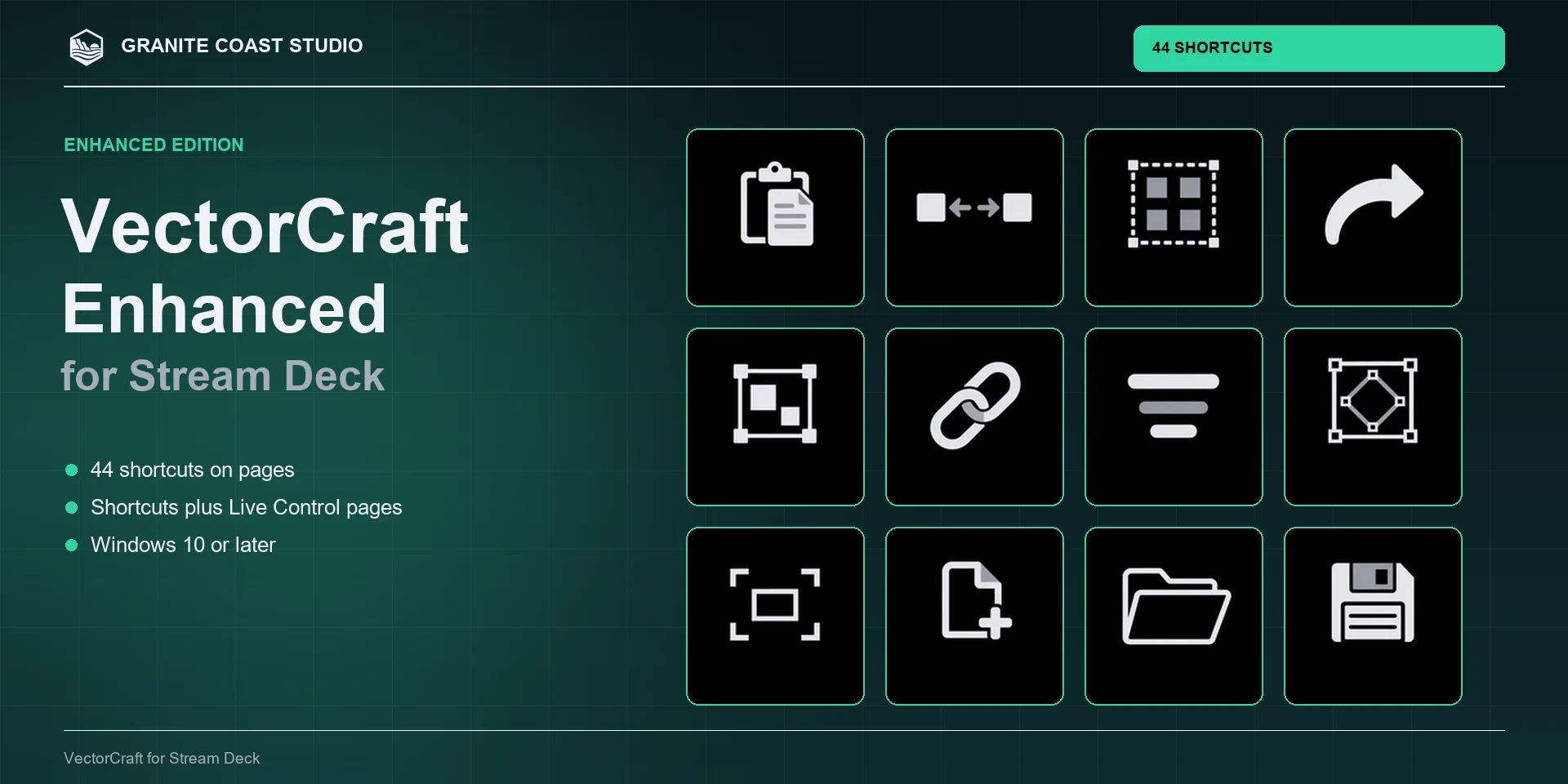
VectorCraft Windows Enhanced profile artwork showing its workflow icons.
Windows / Shortcuts and Enhanced
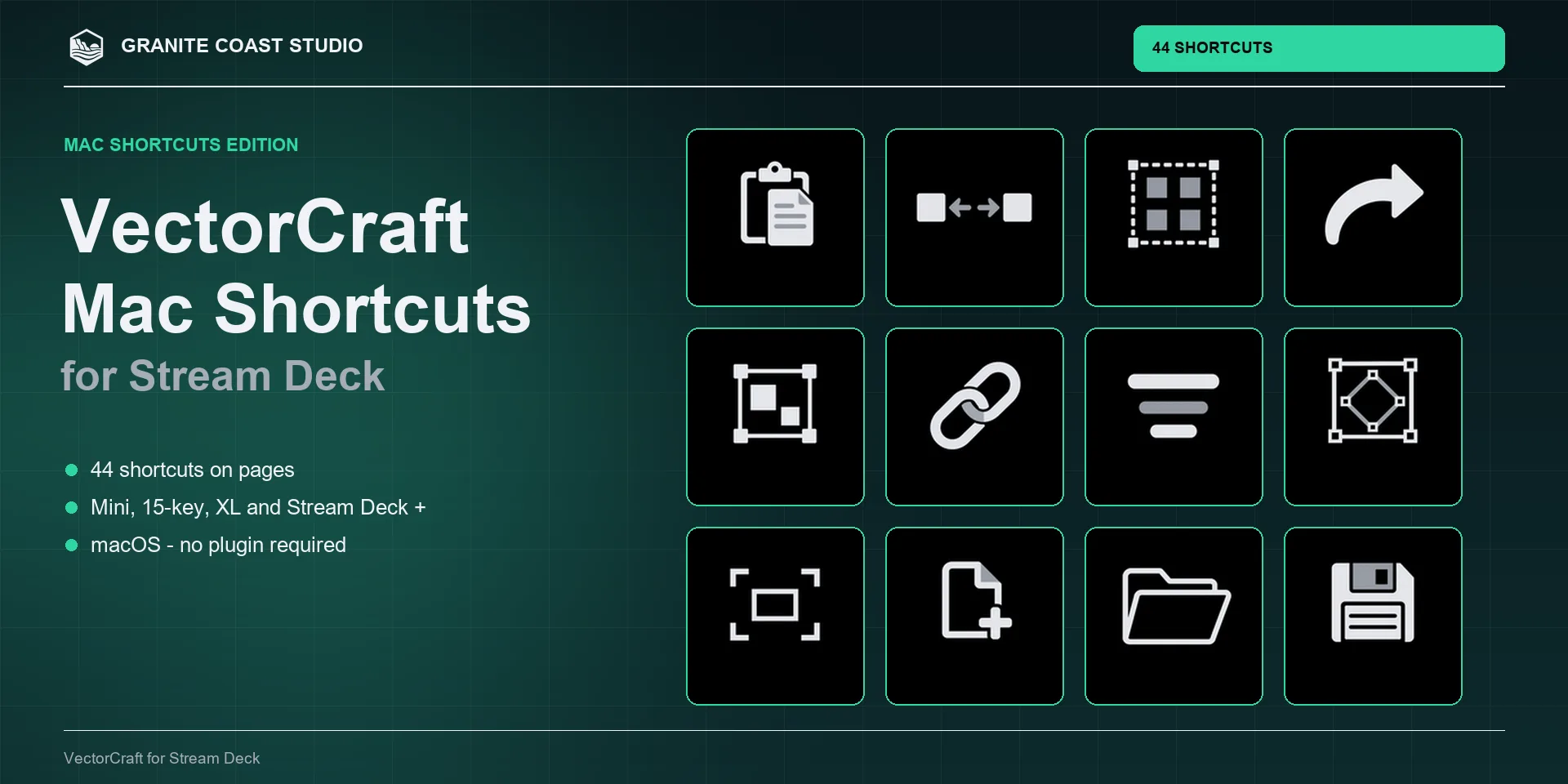
VectorCraft Mac shortcut profile product artwork.
Mac / Shortcut profiles

Before your first key press

Import the profile for your operating system and Stream Deck model. For shortcuts, keep VectorCraft in the foreground and use its default bindings. Text fields, dialogs, focused panels, remapped shortcuts and keyboard layouts can change the result.

Windows Enhanced profiles require the separate Craft Live Control plugin. Use its Connect action to start the app with local control enabled. Some direct commands need an open document or the right selection.

Granite Coast Studio makes these profiles independently. VectorCraft and the other ArtCraft applications are installed separately.

Browse the other Craft profiles · Ask about your setup